← SELECTED WORK / CASE STUDY
WISP.
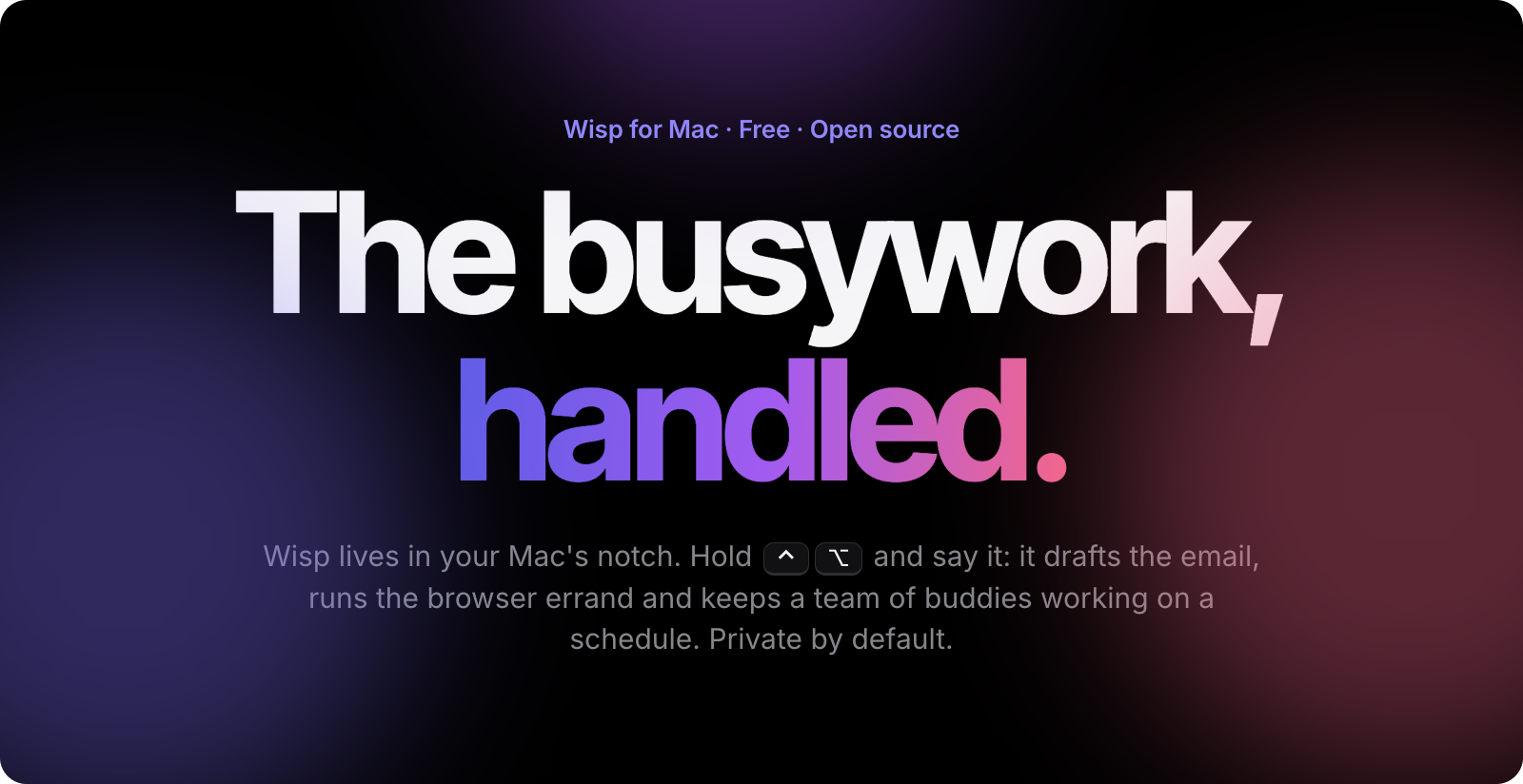
A private, local-first AI companion that lives in your Mac's notch. Hold a key, say what you need, and it drafts the email, runs the browser errand, tidies your windows and shows you where to click, with the speech, the voice and the model running on your own machine.
- ROLE
- Creator and developer
- STACK
- Swift, SwiftUI, AppKit, Ollama, MCP
- PLATFORM
- macOS 26+
- STATUS
- Public beta, MIT open source
01 / THE PROBLEM
Most AI assistants live in a browser tab. To get help you paste things in, or you hand over your screen and your voice to a server you can't see, and the assistant still can't do much on your Mac.
I wanted the opposite: an assistant that lives where I already work, can look at what's on screen, and keeps private things private by default.
02 / WHAT IT DOES
- Push to talk. Hold ctrl+option. Speech is transcribed on-device and sent, with a screenshot, to the model.
- Answers in the notch. Replies appear in a notch HUD, and an optional on-device voice reads a short spoken line aloud.
- Points at things. A transparent overlay on every monitor can ring a UI element, or draw boxes, arrows and highlights, and can walk you through an app step by step.
- Plans your day. Canvas deadlines and calendar events become one checklist in Reminders before you're up.
- Does errands. It drafts an email, works in its own browser tab, and tiles your windows by voice.
- Buddies. Small agents that work on a schedule and can hand work to each other.
03 / DESIGN DECISIONS
LOCAL-FIRST BY DEFAULT
Out of the box, transcription (Parakeet via FluidAudio on the Neural Engine), the model (Ollama on localhost) and the voice (Kokoro) all run on the Mac. A bring-your-own-key cloud provider is opt-in only, with the key in the Keychain and a clear label that it leaves the machine. Local stays the default.
THE NOTCH IS FOR USING, THE WINDOW IS FOR MANAGING
Answers, cards and quick chat live in the notch. Settings and everything you configure live in one window. The menu bar item is a plain native menu. Every setting has exactly one home.
APPROVAL BEFORE ANYTHING IRREVERSIBLE
Emails open as editable drafts and nothing is sent until you press Send. Writing study blocks to your calendar always asks first, and that approval can't be skipped by an auto-approve setting.
CODE WHERE CODE IS ENOUGH
Syncing a Canvas calendar feed is deterministic code with no model call. Tiling two windows by voice finishes in a tenth of a second, also without a model. The model is for the things only a model can do.
SECRETS STAY SECRET
The Canvas feed link is treated like a password: stored in the Keychain only, never in preferences, logs, errors or history.
04 / SHIPPING IT
Wisp is open source under the MIT license, with 64 pull requests in the repository so far. Recent work added a ChatGPT subscription as a model provider and a website whose hero is a live replica of the app, and automatic updates with release tooling for the public beta are in progress.
It runs on macOS 26 and later, and it's in public beta.
WATCH THE DEMO
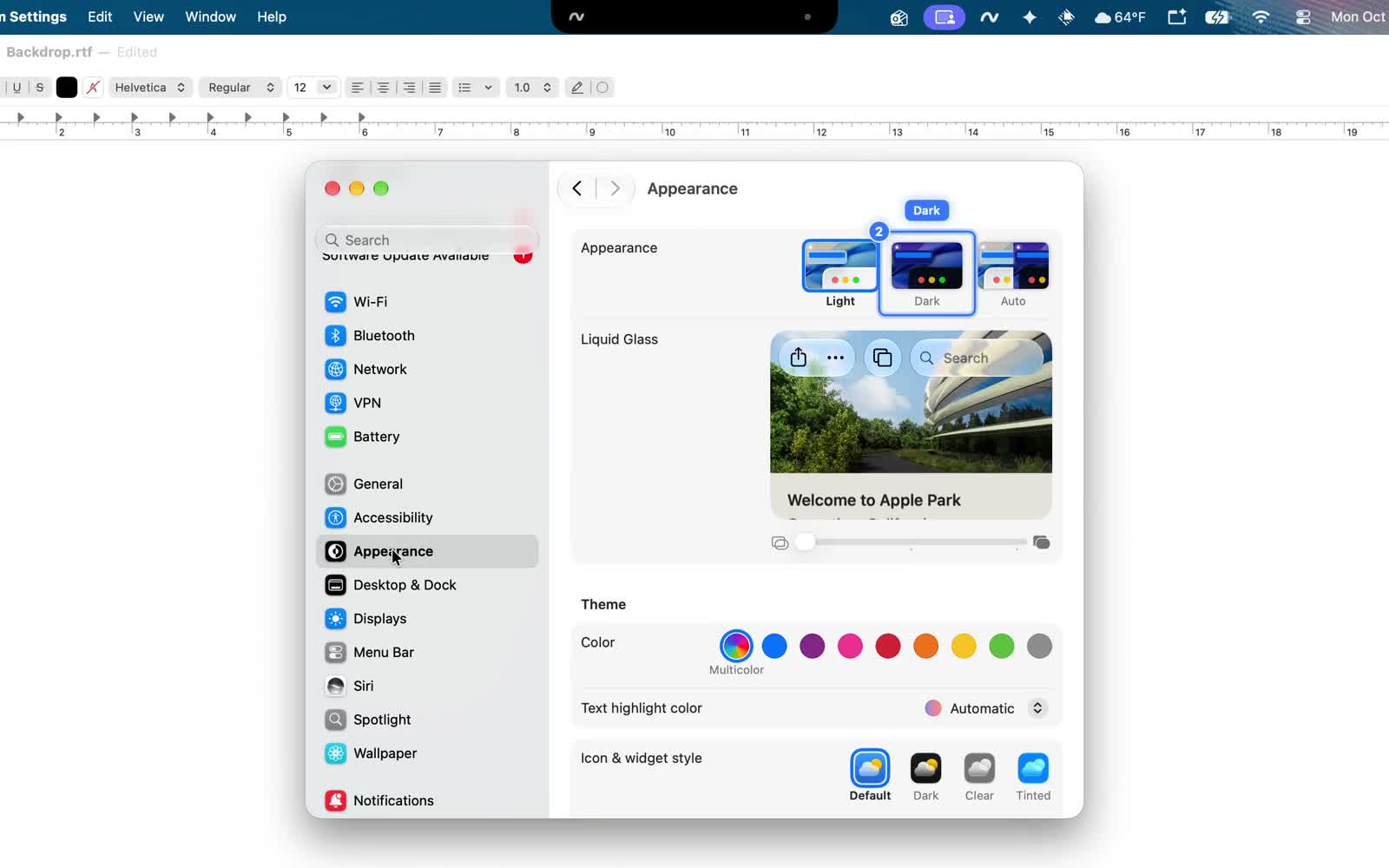
Wisp: The AI That Works With You, on YouTube. OPEN ON YOUTUBE ↗